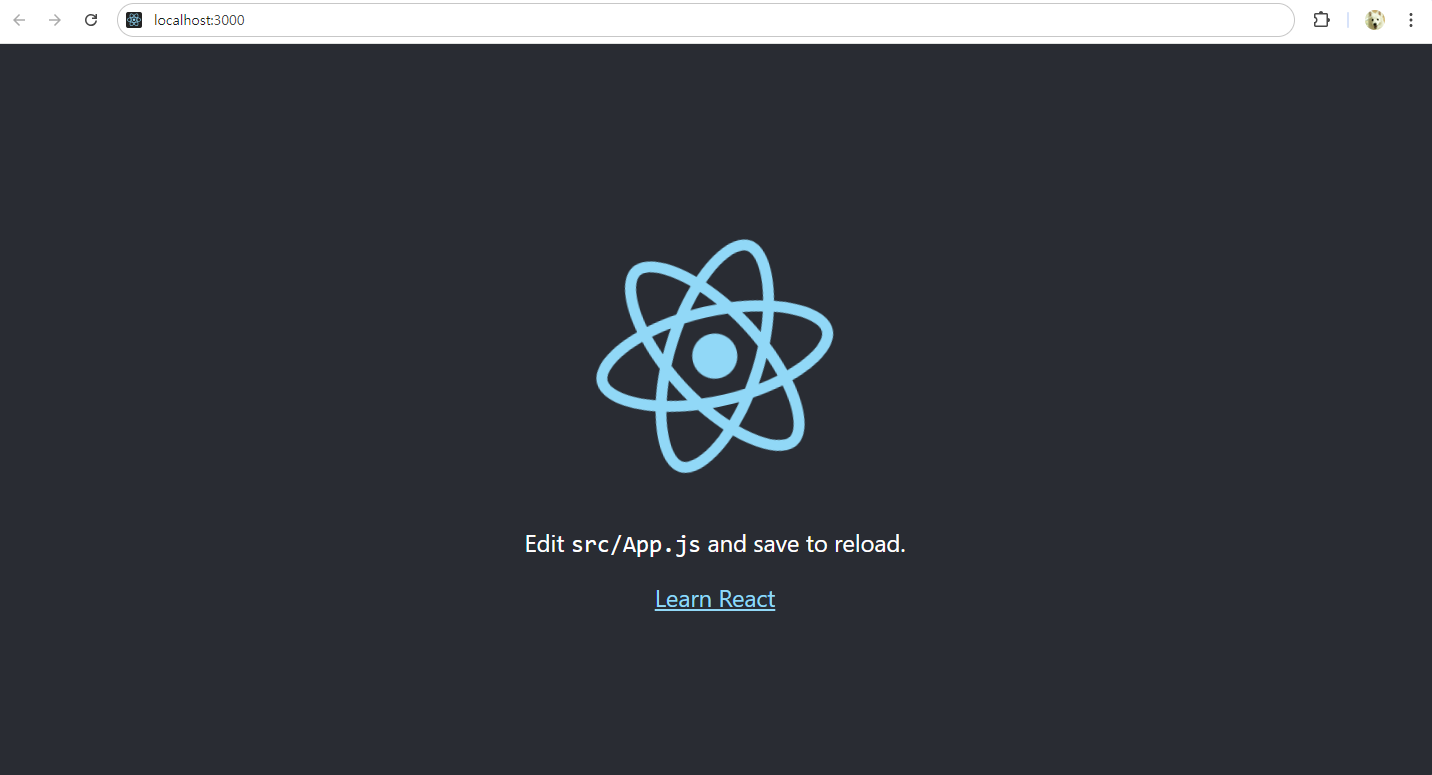
5. 서버 실행 : localhost:3000 (도메인) 또는 127.0.0.1:3000 (IP)
## ~\client 폴더로 이동
yarn start
6. 서버 셋팅 수정
src 폴더의 index.js 파일에서 아래 태그 삭제
Stric 모드는 app 내의 잠재적 문제를 알아내기 위한 도구
생명주기 함수를 여러 번 실행하는 원인이 되므로 사용하지 않도록 삭제
import React from 'react';
import ReactDOM from 'react-dom/client';
import './index.css';
import App from './App';
import reportWebVitals from './reportWebVitals';

const root = ReactDOM.createRoot(document.getElementById('root'));
root.render(
  // <React.StrictMode>
    <App />
  // </React.StrictMode>
);

// If you want to start measuring performance in your app, pass a function
// to log results (for example: reportWebVitals(console.log))
// or send to an analytics endpoint. Learn more: https://bit.ly/CRA-vitals
reportWebVitals();
7. 기타 서버 실행 참고
react 프로젝트는 npm install / npm start 명령어로 서버 구동
react, node 프로젝트는 react, node 각 경로에서 npm install / yarn dev 명렁어로 동시에 서버 구동